
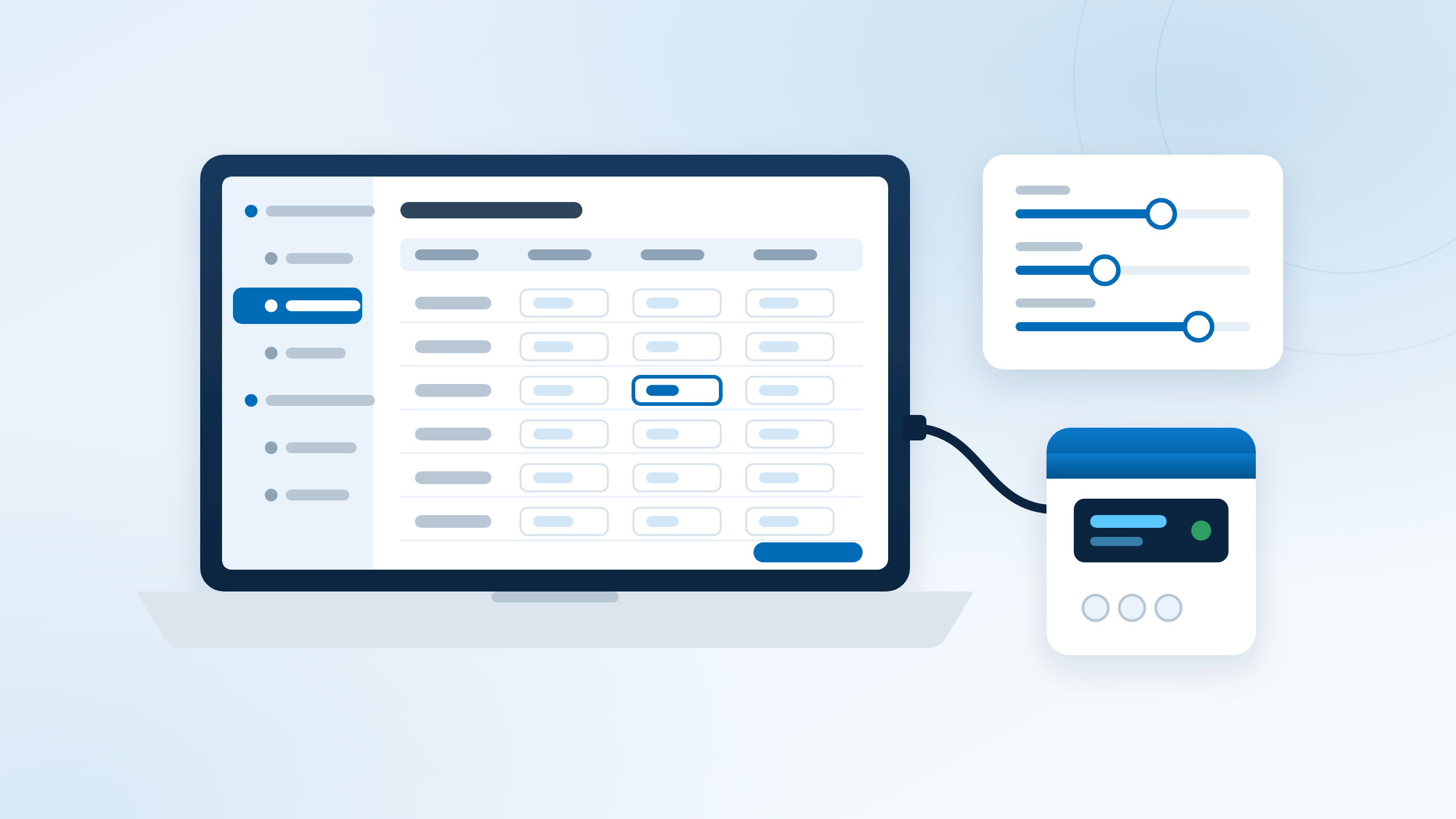
KVMConfig is the configuration and service software for Kytola flow monitoring and measuring devices. It makes setting up a device quick and easy, and lets you tailor every setting to the needs of your process
KVMConfig supports all Kytola RS-485/422 bus based products. Use it locally on site, through a direct USB connection (if supported) or on the RS-485/422 bus through a USB-to-serial adapter — or remotely from anywhere through KVMServer
KVMConfig is free: a complimentary utility from Kytola for everyone who uses Kytola devices
Local or remote, the same tool
- On site, by USB: connect directly to devices with a USB port using a USB cable
- On site, on the bus: connect to the RS-485/422 bus through a USB-to-serial adapter
- Remotely: connect through KVMServer and configure devices from anywhere, without travelling to the site
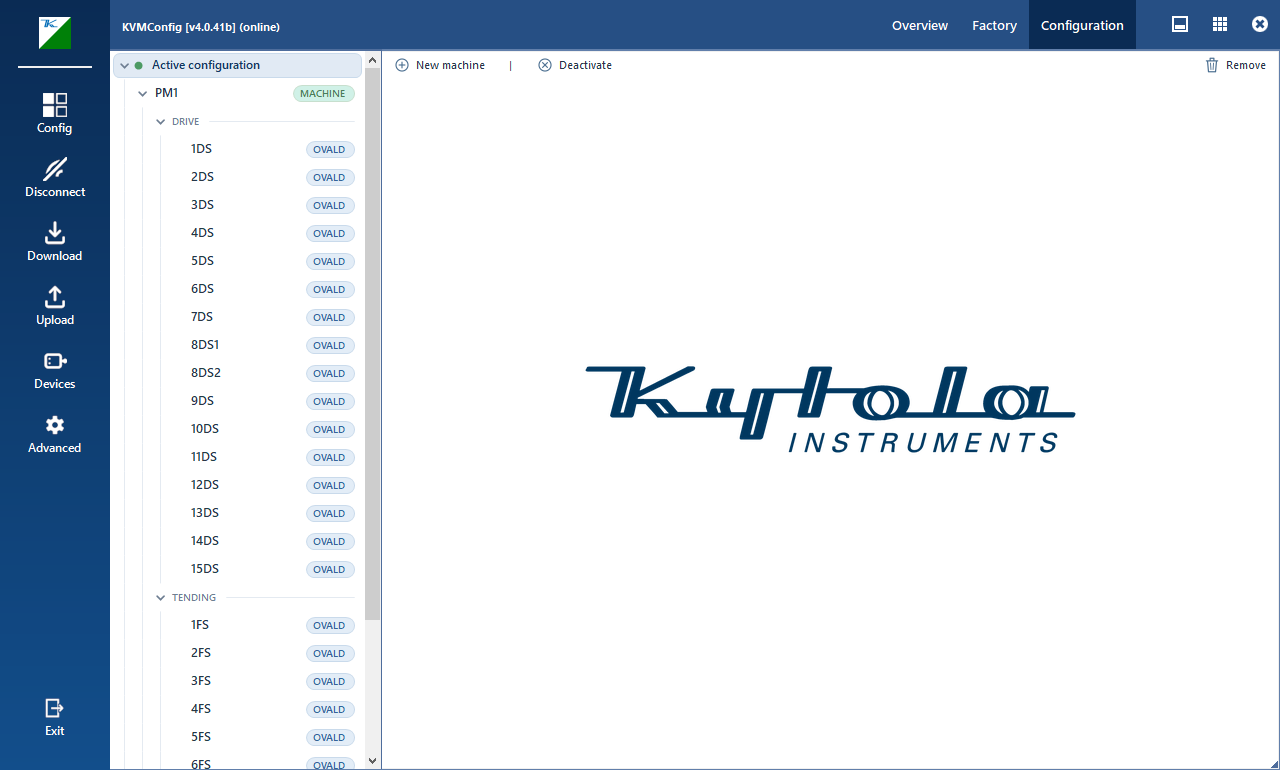
- Shows the stations in a clear device tree
- Reads a station's configuration in one step, and writes your changes back just as easily
Every measuring point at a glance
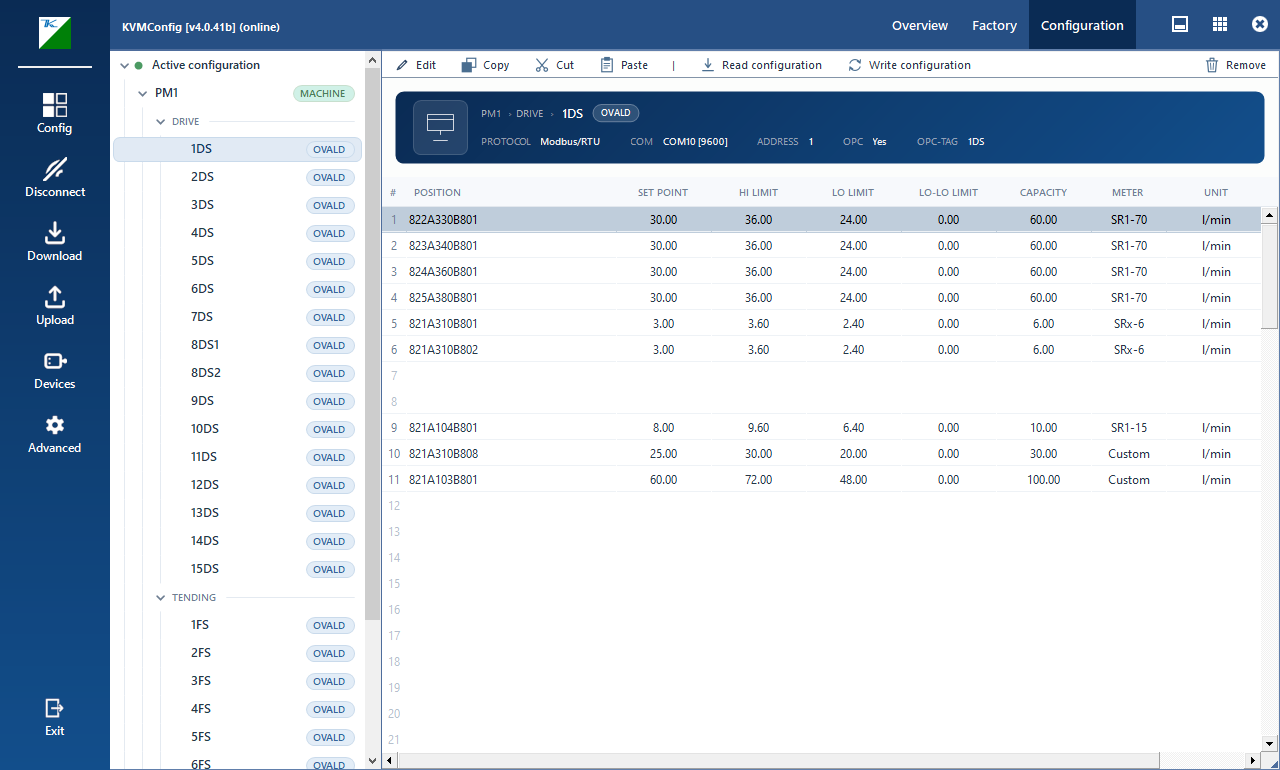
- Setpoint and alarm limits (LO-LO, LO, HI) and more for every measuring point, side by side in one table, allowing easy configuration view of the device
- Flow shown in the units your site uses: litres, pints or gallons
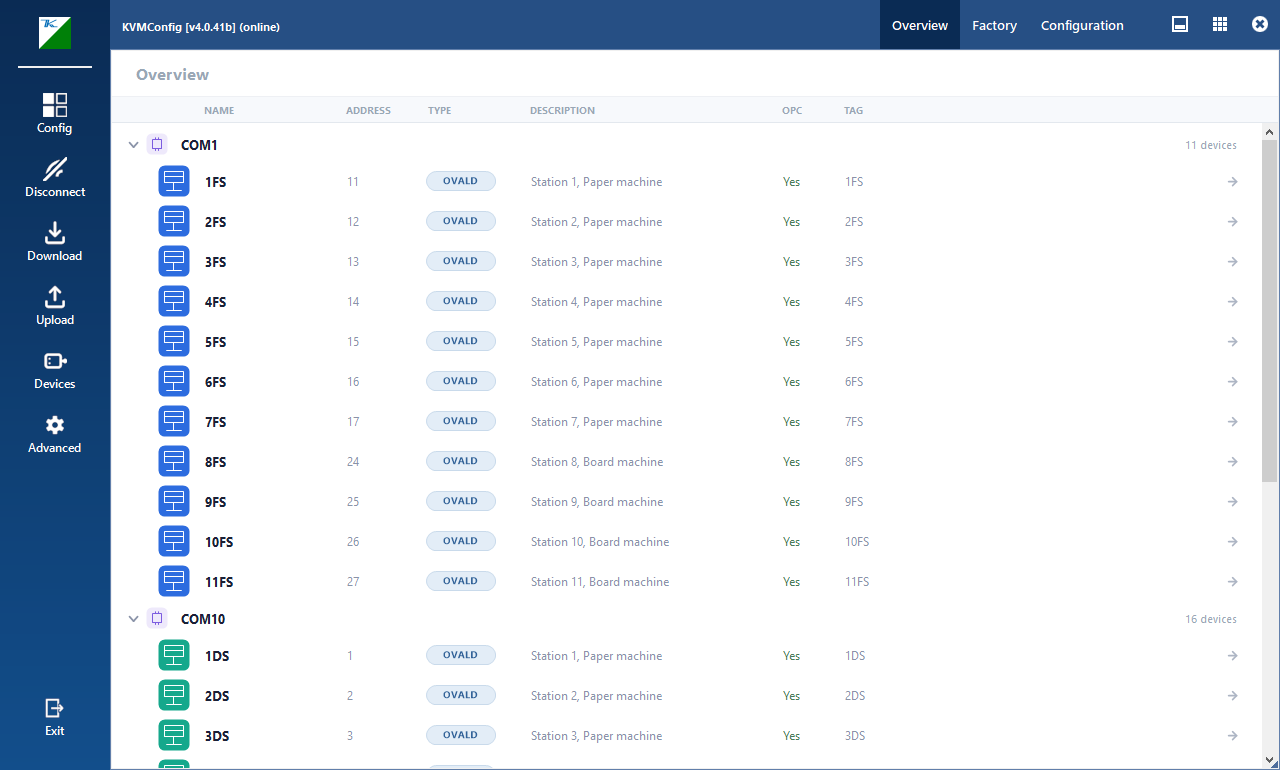
- Station identity always visible
- Supports all Kytola RS-485/422 bus based products and VA & SLM SMART devices
On its own or as part of KVMSuite
- KVMConfig 2026 installs on its own, ideal for service laptops and commissioning
- Also included in KVMSuite 2026, bundled with KVMServer and KVMControl for continuous monitoring
- Installs online or offline from a USB stick, and stays up to date with KVM update tool
- Online or offline update packages available